
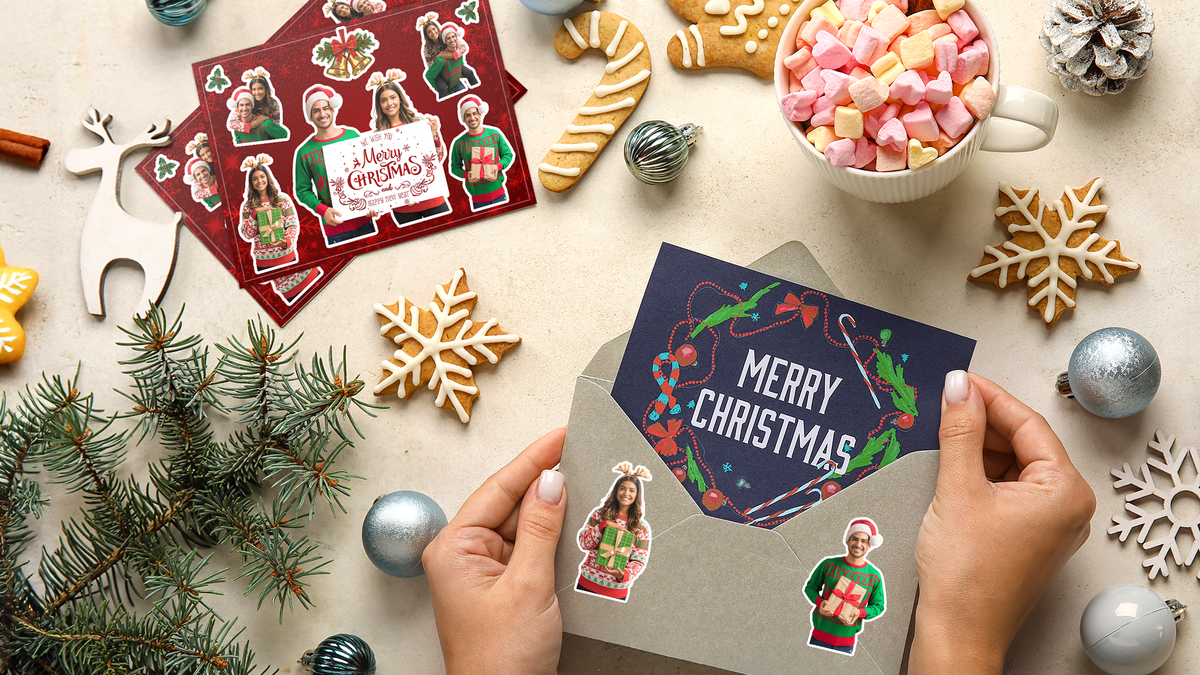
Looking for a creative way to celebrate the holidays this year? Skip the generic store-bought cards and try something more meaningful—design your own holiday-themed sticker sheet featuring family photos, festive backgrounds, and seasonal flair. Whether you’re decorating your Christmas cards, including stickers with your holiday mail, or sending them as unique standalone greetings, this is a fun and personal way to spread cheer.
In this how-to guide, we’ll walk you through creating a custom sticker sheet from start to finish using our online sticker sheet design tool. It’s fast, easy, and surprisingly fun—even if you’re not a designer.
Why choose a custom holiday sticker sheet?
Custom sticker sheets are a great way to add a personalized touch to the holiday season. You can feature photos of your family, pets, or even inside jokes for your loved ones. Stickers can be used to:
- Decorate envelopes, gift wrap, and holiday cards
- Give kids (and grownups) a fun surprise to play with
- Create budget-friendly gifts with real sentimental value
And the best part? You’re in full control of the design. Here's how to make your own.
Step 1: Start your order
Go to our Custom Sticker Sheets product page. For this example, we’ll choose the 7" x 5" sheet size and select a quantity of 50 sheets. This size is perfect for fitting into a standard envelope while still giving you plenty of room for creativity.
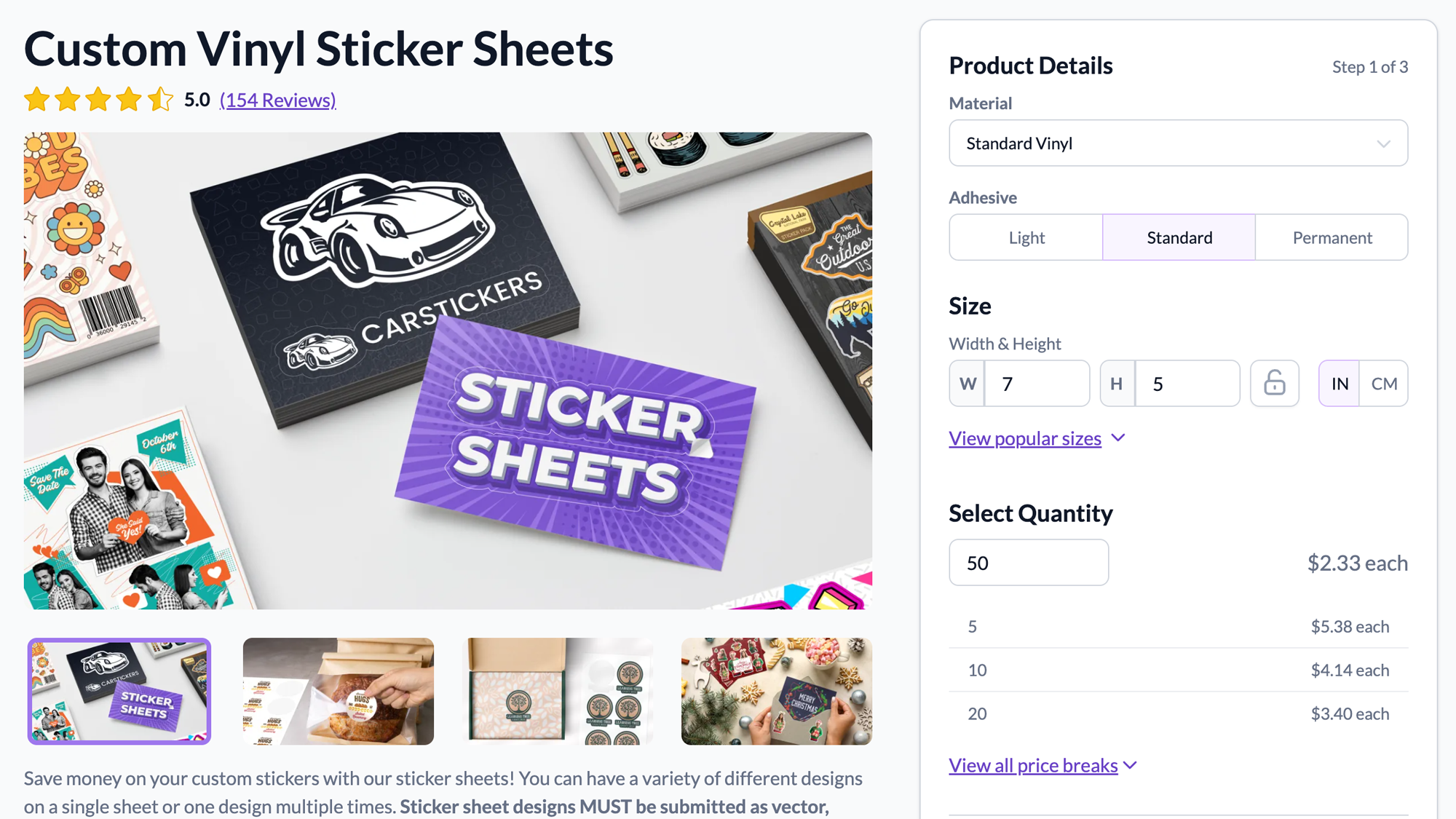
Once you’ve selected your size and quantity, click on the “Start A New Design” button to launch the design tool.
Step 2: Upload your background
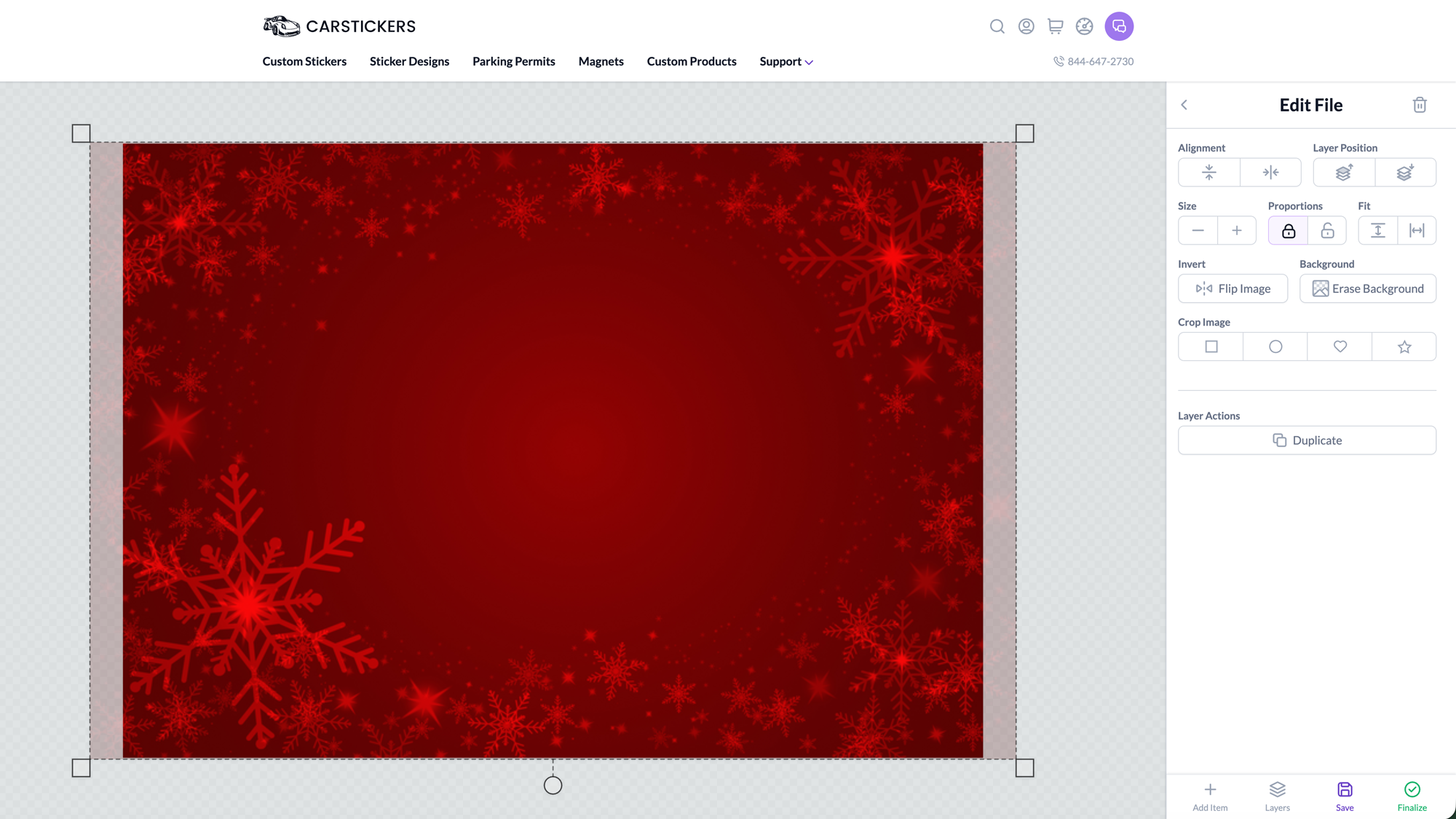
In the design tool, begin by uploading a festive background image that will set the tone for your sticker sheet. This could be a snowy landscape, your family Christmas tree, or even a solid color with holiday patterns or text.
Step 3: Add photos and use the "Erase Background" tool
Next, upload your first family photo or image. When it appears on your design canvas, you’ll notice a prompt to use the “Erase Background” tool. This powerful feature removes the background of your uploaded photo with one click—leaving just your subject front and center.
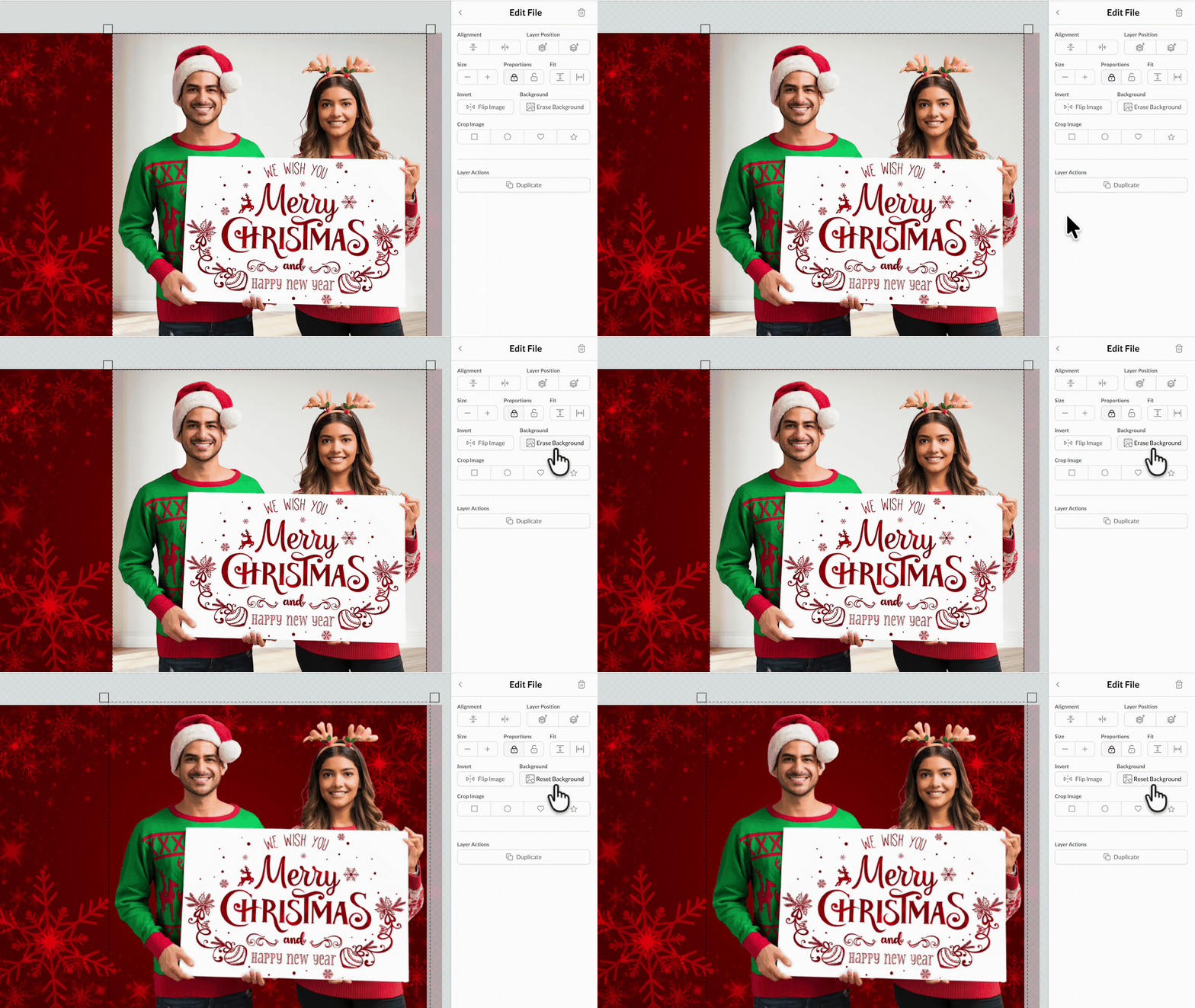
This is perfect for turning full-size photos into clean, cut-out stickers of your loved ones. Repeat this process for each image you want to include on your sheet.
Step 4: Arrange your images and finalize the design
Once you’ve uploaded all your photos, arrange them on the sheet however you like. Resize them, rotate them, or overlap them to create a collage-style layout. Add festive clipart, names, or holiday messages to complete your design.
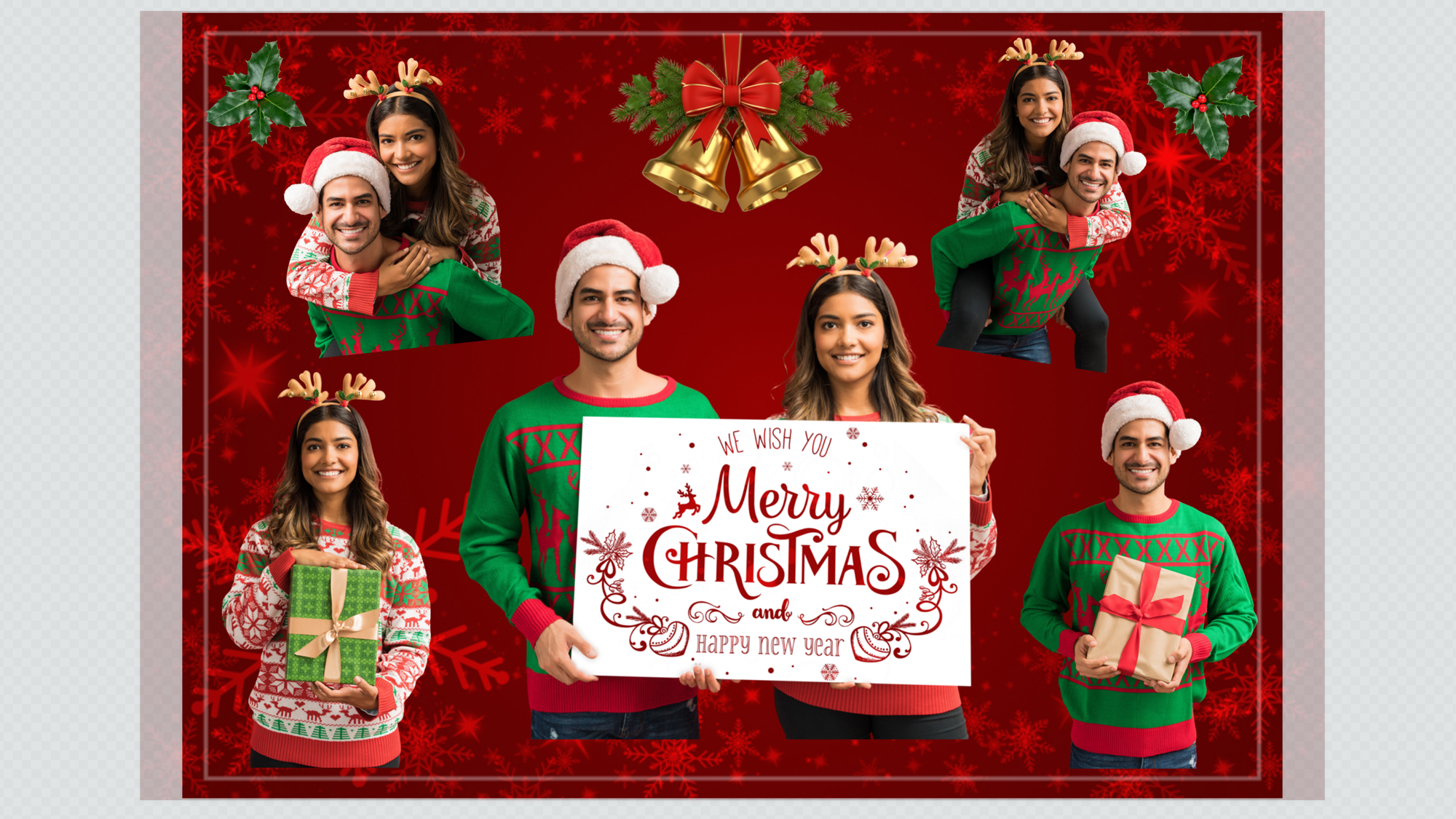
Step 5: Add finishing instructions and finalize your order
When your design is finished, click Finalize to proceed. On the next screen, select the “My File Needs Cutpaths” option. Then, check the box labeled “My Design Needs Changes” to open the Special Instructions field, where you can explain which elements you want turned into stickers.
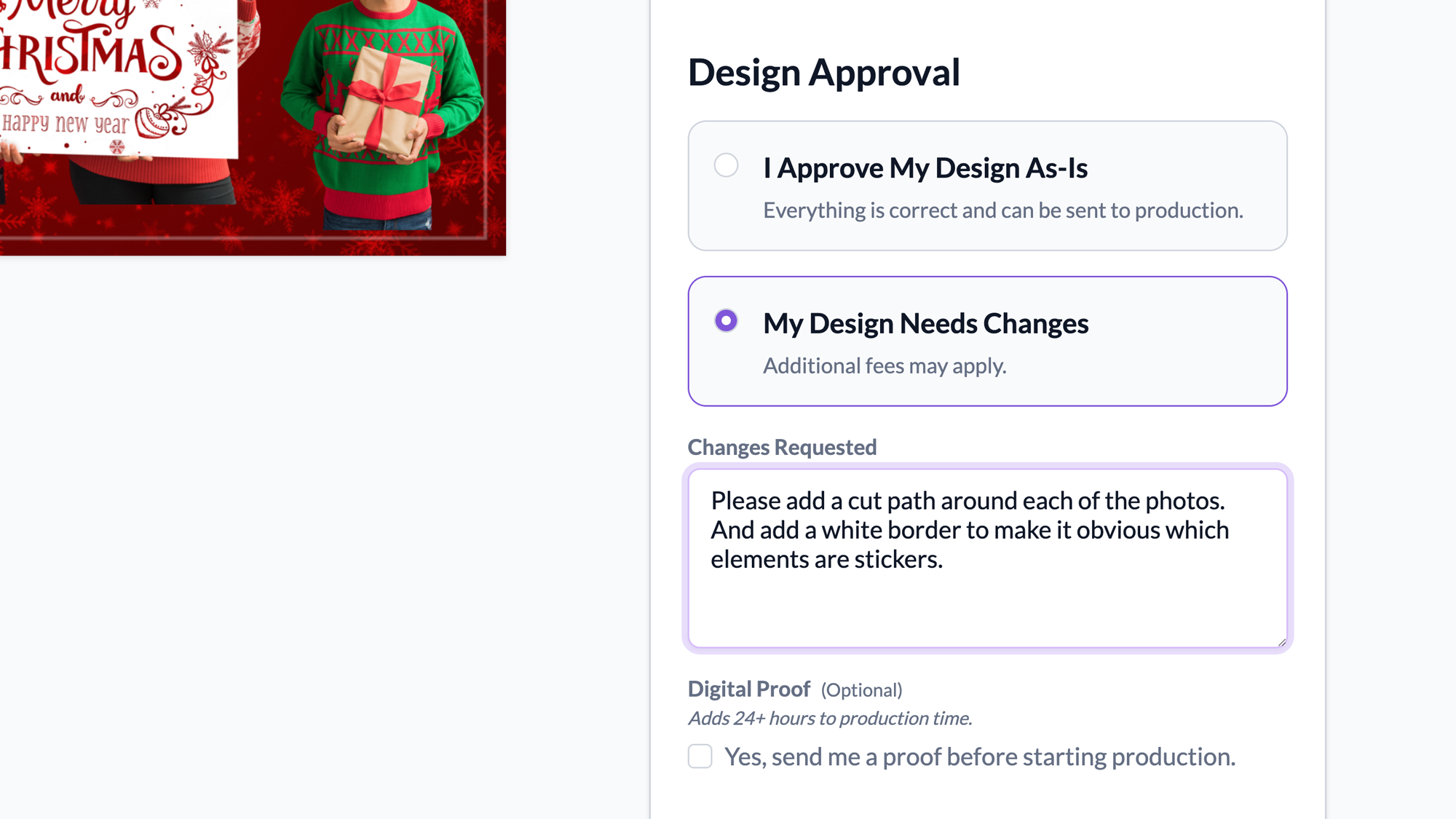
For this example I wrote:
“Please add a cut path around each of the photos and add a white border to make it obvious which elements are stickers.”
This tells our team to add a cut path around each photo, along with a white border, so the stickers stand out against the background.
Once that’s done, just click Add to Cart, check out, and we’ll get started on printing your custom holiday sticker sheets!
Wrap it up with a bow (or sticker!)
Creating a holiday photo sticker sheet is more than just fun—it’s a chance to surprise your friends and family with something creative, thoughtful, and personal. Whether you're adding stickers to your cards or sending them as the main gift, these custom sheets are guaranteed to make someone smile.
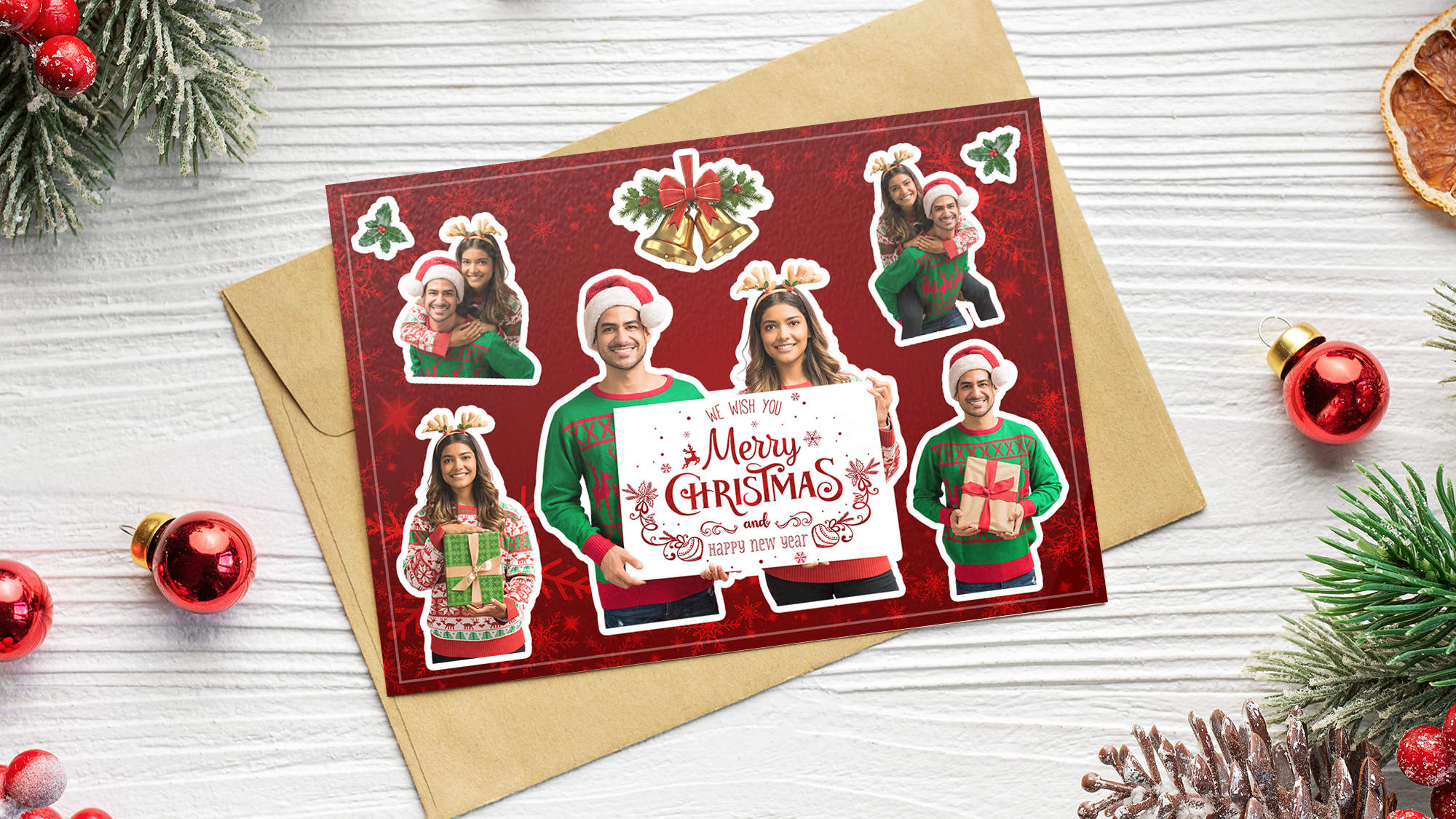
Ready to make your own? Start your holiday sticker sheet now and bring a little extra joy to the mailbox this season.


